Viewing Sales History
The Sales History feature in the Posterita POS system allows you to access and manage past transactions efficiently. You can use it to review, print, refund, or void previous orders, helping maintain accurate sales records and customer service.
1. Access Orders Menu
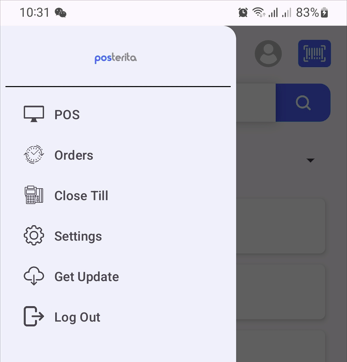
Tap the menu icon and select "Orders" to view the list of past transactions.
2. Locate the Order
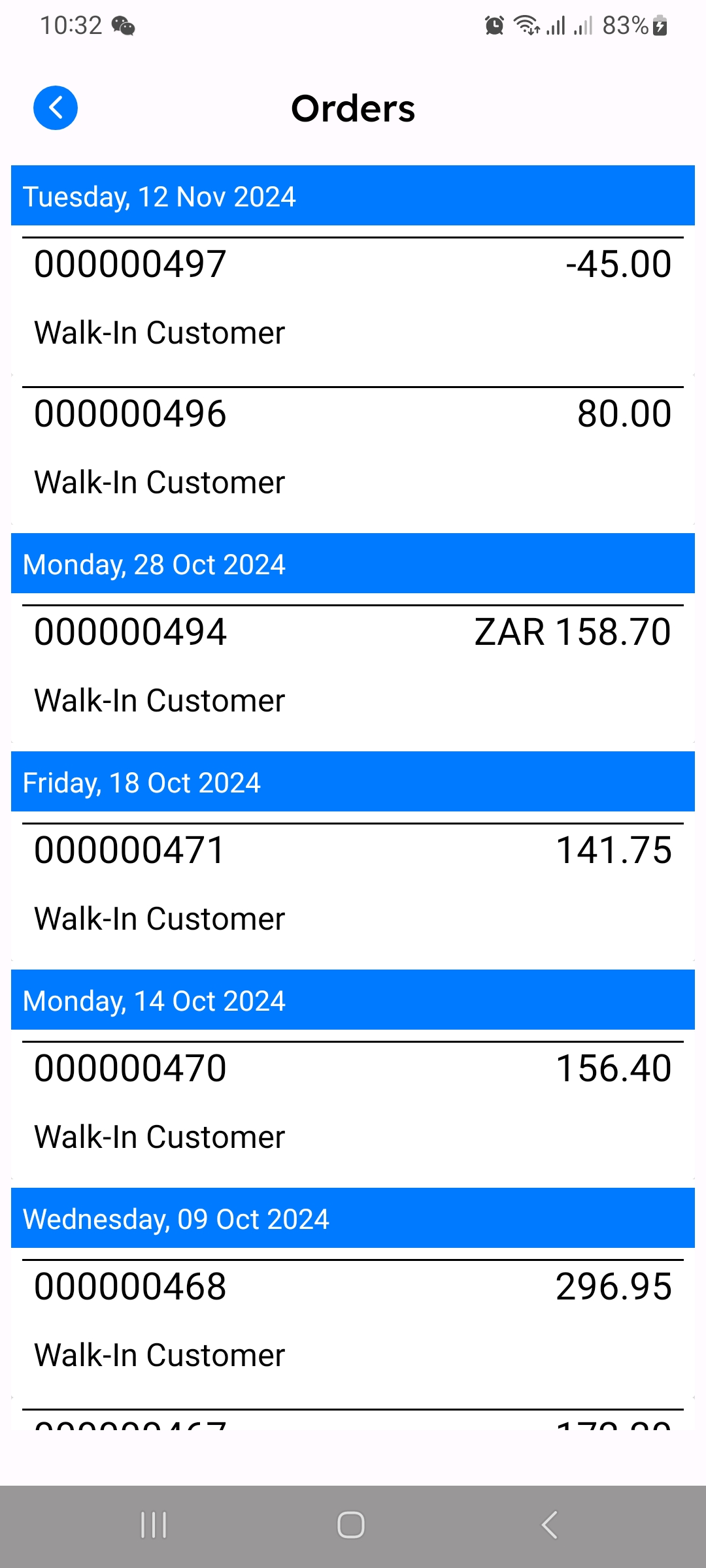
Use the search or scroll through the list to find the specific order by its order number or customer name.
3. Open the Order
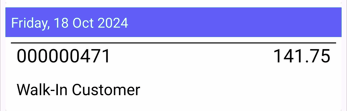
Tap on the desired order to open its details.
4. Available Options for the Order
After opening an order, you will see several options:
- Print: Generate a receipt printout for the order.
- Refund: Issue a refund for the order if necessary.
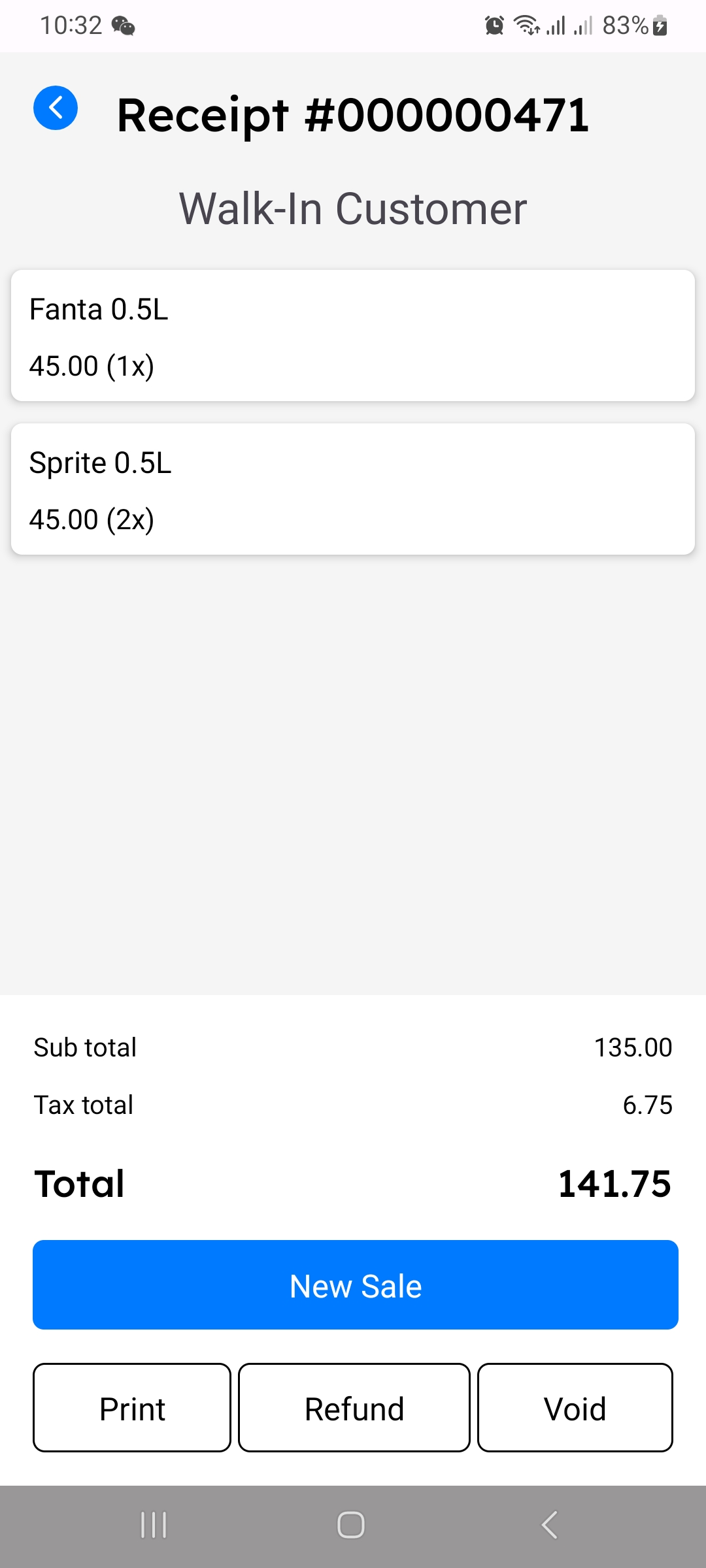
- Void: Void the order if it was entered incorrectly or needs to be canceled.
Why Accessing Sales History is Important
Sales history provides a record of all transactions, allowing for easy review and management of previous sales. It is essential for handling customer service requests, such as refunds, and helps maintain accurate and up-to-date financial records.
Tips
- Search Efficiently: Use the search function to quickly locate an order by typing part of the customer name or order number.
- Review Carefully: Before performing actions like refund or void, double-check that you have selected the correct order to avoid errors in records.
- Keep Records Updated: Regularly accessing and managing your sales history ensures that your financial records remain accurate and complete.