Adjusting the Till
Till adjustments allow you to add or remove money from the till throughout the day. This helps keep track of cash flow within the till and ensures accurate records.
1. Access Adjustment Menu
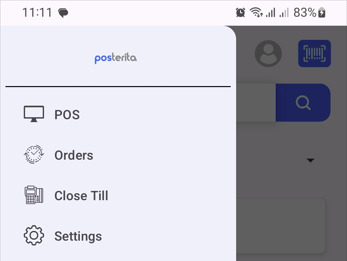
- From the main menu, go to Close Till
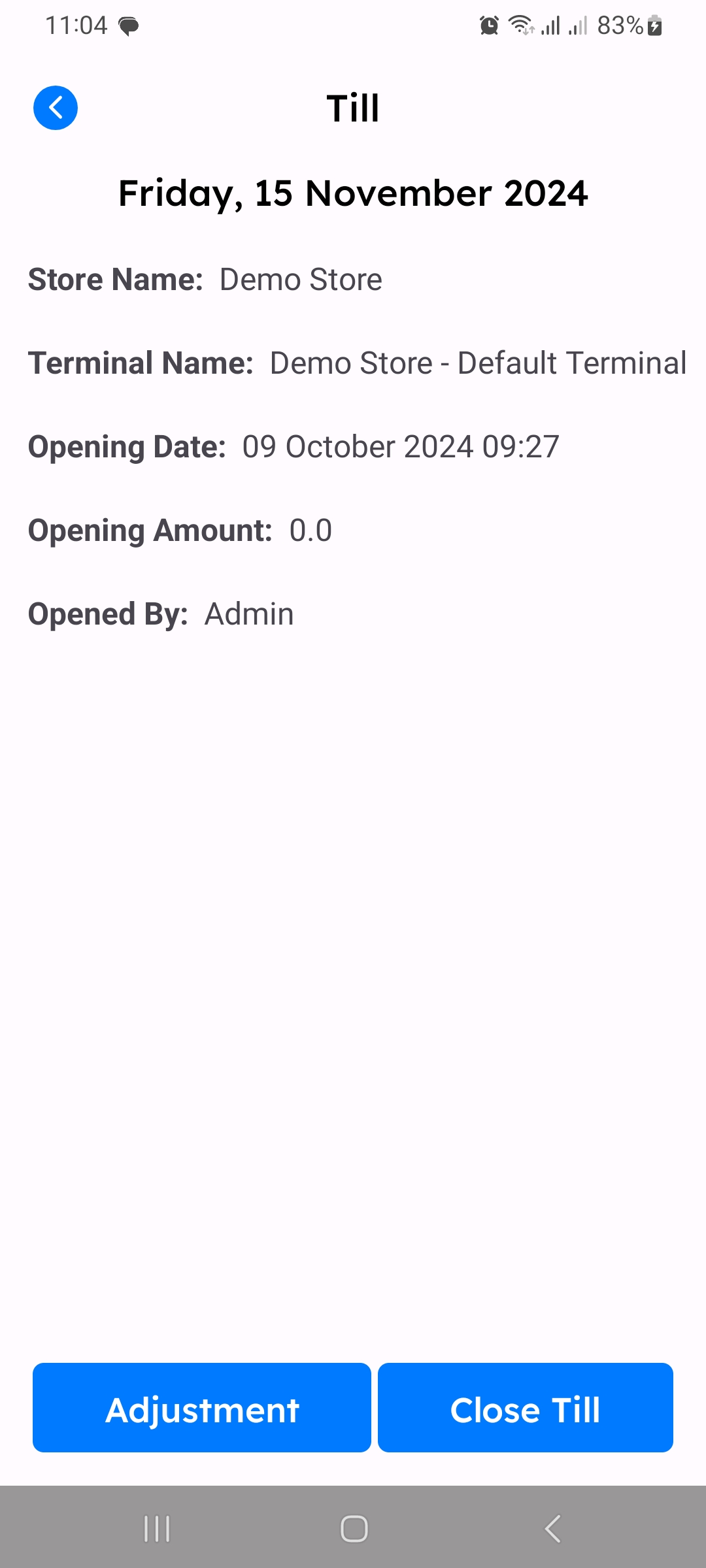
- Select the Adjustment option.
2. Choose Adjustment Type
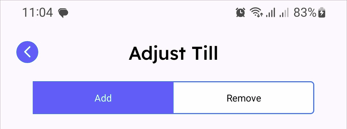
- Select Add to add money to the till or Remove to take money out.
3. Enter Amount and Details
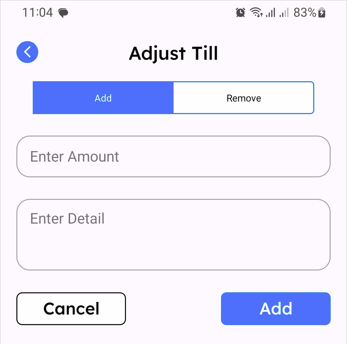
- In the adjustment screen, enter the amount and a brief description of the reason for the adjustment. This helps maintain a record for reference.
4. Confirm Adjustment
Tap Add or Remove to complete the adjustment. The amount will be added or removed accordingly.
Why Adjusting the Till is Important
Till adjustments provide a way to maintain accurate cash records and manage the till balance throughout the day, ensuring transparency in daily transactions.