Discount Code Management
Manage discount codes in Posterita to provide special offers, promotions, or discounts to your customers. This helps enhance customer satisfaction, increase sales, and drive customer loyalty by offering deals tailored to different needs and scenarios.
1. Creating a Discount Code
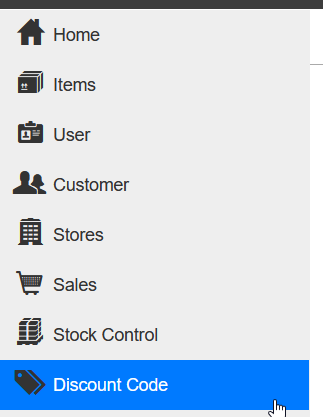
1.1 Access the Discount Code Menu
Navigate to the Discount Code menu in the Posterita POS Back Office.
1.2 Create a New Discount Code
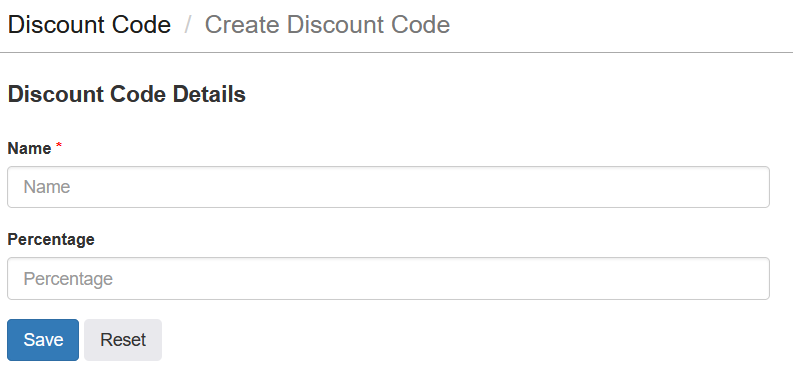
Click the add button to create a new discount code.
Enter the details for the discount code:
- Discount Name: Provide a unique name for the discount (e.g., Holiday Special, 10% Off All Items).
- Discount Percentage or Amount: Specify the percentage discount (e.g., 10% Off).
1.3 Save the Discount Code
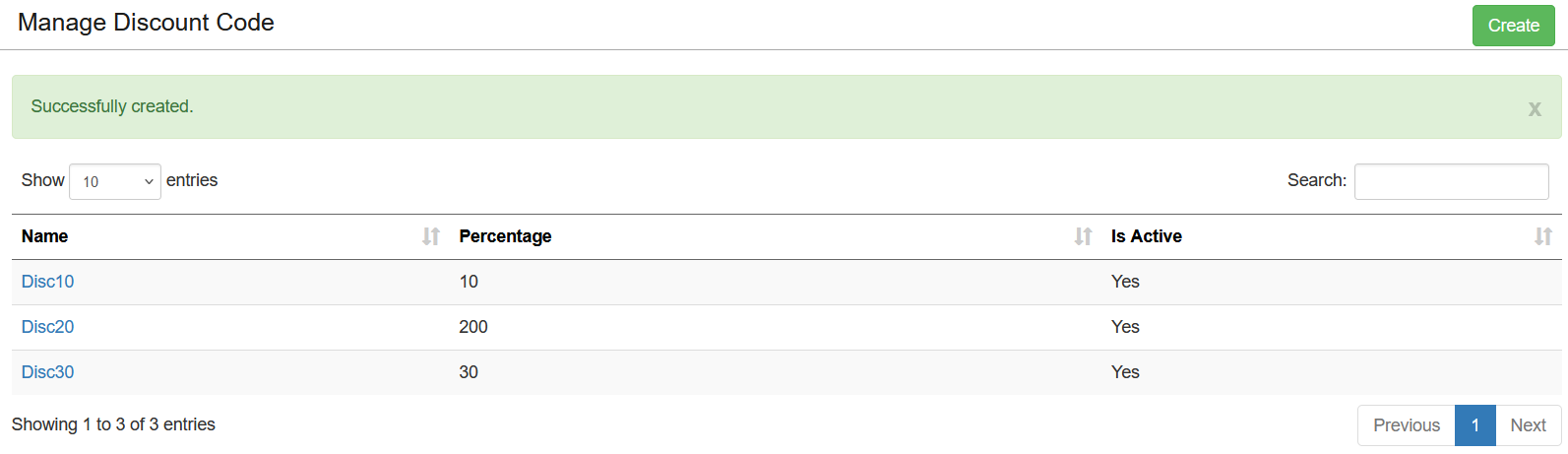
Once all the details are filled in, click the save button to create the discount code. It will then be available to assign to an item or customer from their respective menus. For more information, refer to the Item Management and Customer Management sections in the knowledge base.
2. Editing or Deleting a Discount Code
2.1 Access Existing Discount Codes
Navigate to the Discount Codes menu to view a list of all created discount codes.
2.2 Edit a Discount Code
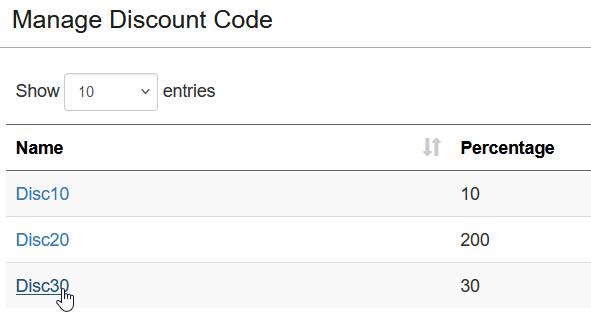
Click on a discount code from the list to make changes to its details, such as adjusting the discount percentage.
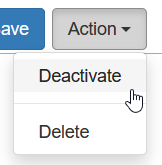
2.3 Deactivate a Discount Code
Select the discount code and click "Deactivate" to make it inactive without deleting it. This allows you to retain the discount code details for future use.
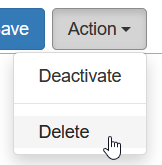
2.4 Delete a Discount Code
Select the discount code and click "Delete" to remove it. Note that discount codes cannot be deleted if they are currently applied to ongoing promotions.
2.5 At the Point of Sale
When finalizing a sale, enter the Discount Code in the designated field to apply the discount to the transaction.
Important Tips
- Define Clear Rules: When creating discount codes, ensure the discount percentage or amount, and applicable items are clearly defined.
- Discount Application at POS: Discounts are applied at the Point of Sale (POS) during checkout.
- Target Specific Products: Use Applicable Items or Categories to focus discounts on items that need promotion, such as slow-moving inventory.
- Customer Communication: Clearly communicate discount codes and promotions to customers through in-store signage, social media, or email campaigns to maximize the effectiveness of your discounts.
- Monitor Expiry Dates: Regularly check discount codes to ensure that expired promotions are removed or updated as necessary.