Tax Management
Manage tax settings in Posterita to ensure compliance with local tax laws and apply the correct tax rates to your products and services. Proper tax management is essential for accurate billing, reporting, and maintaining transparency with customers.
1. Creating Tax Rates
1.1 Access the Tax Management Menu
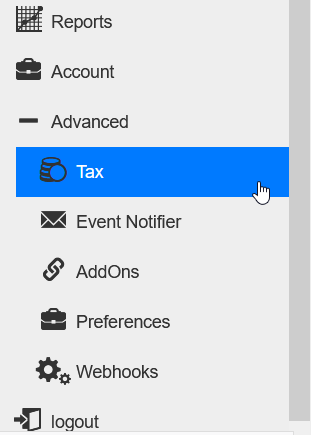
Navigate to the Advanced menu in the Posterita POS Back Office and select Tax Management.
1.2 Create a New Tax Rate
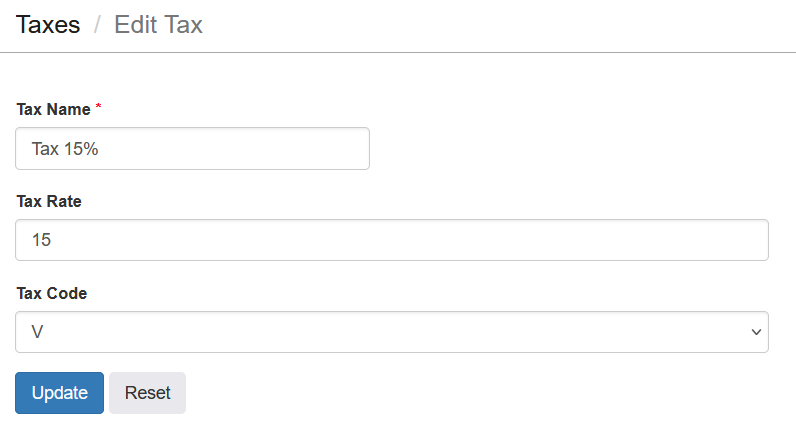
Click the add button to create a new tax rate. Enter the following details:

- Tax Name: Provide a name for the tax rate (e.g., VAT 15%, GST 5%).
- Tax Percentage: Specify the percentage value for the tax rate (e.g., 15%, 5%).
1.3 Save the Tax Rate
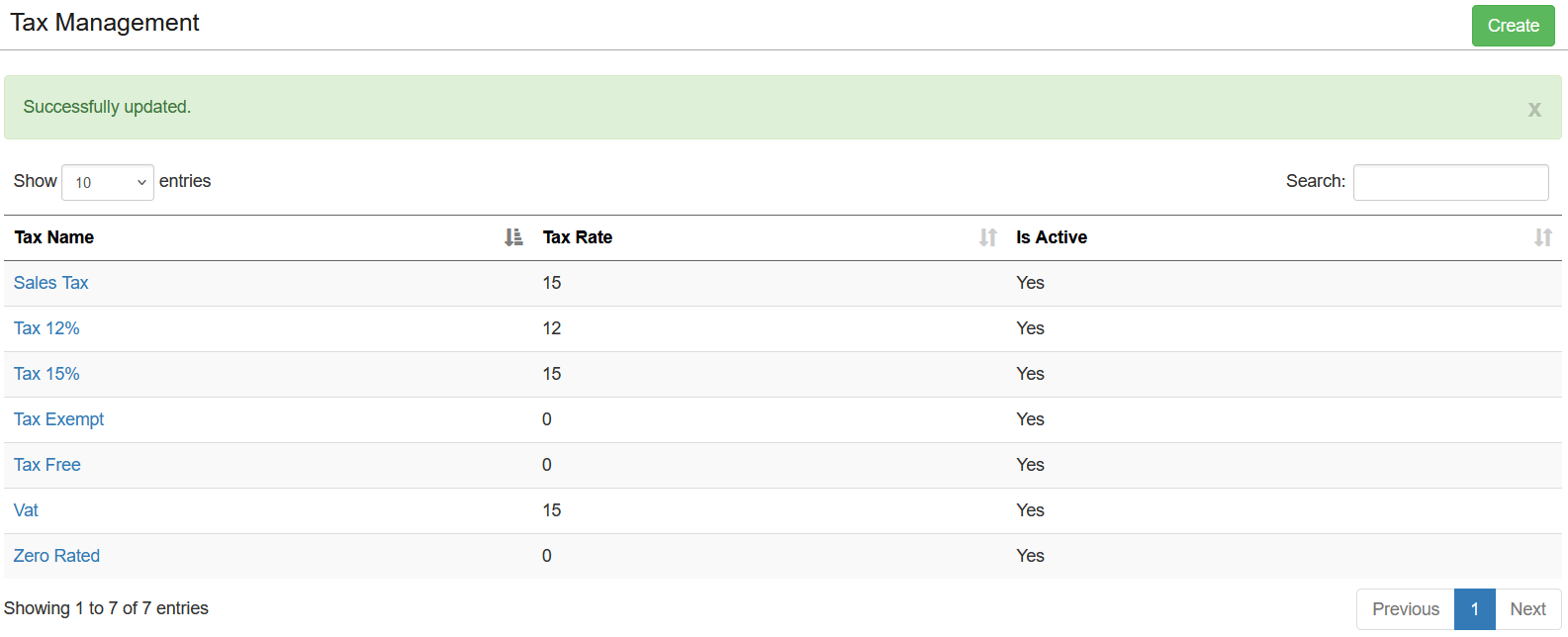
Once all the details are filled in, click the save button to create the tax rate. The new tax rate will be available to apply to items during their setup or modification.

2. Editing or Deleting a Tax Rate
2.1 Access Existing Tax Rates
Navigate to the Tax Management menu to view a list of all created tax rates.
2.2 Edit a Tax Rate
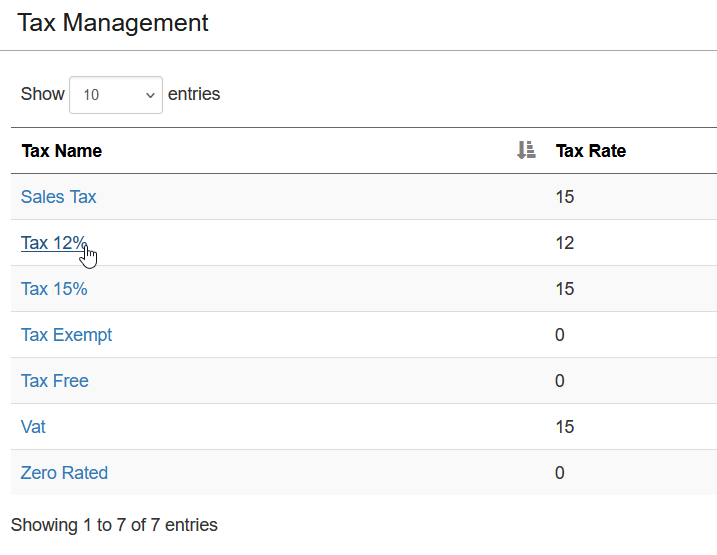
Select the tax rate from the list to make changes to its name or percentage value.
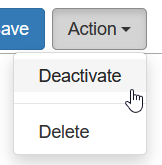
2.3 Deactivate a Tax Rate
Select the tax rate and click "Deactivate" to make it inactive without deleting it. This allows you to retain the tax rate details for future use.
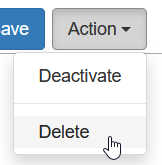
2.4 Delete a Tax Rate
Select the tax rate and click "Delete" to remove it. Note that tax rates cannot be deleted if they are currently assigned to any items.
Assigning Tax Rates to Items During Item Creation or Editing
When creating or editing an item, select the appropriate tax rate from the Tax Rate drop-down menu. This ensures that the correct tax is applied during sales transactions.
Important Tips
- Compliance: Always ensure that the tax rates comply with your local tax regulations to avoid discrepancies during audits.
- Review Regularly: Regularly review and update tax rates in case of changes in tax legislation.
- Consistent Application: Assign the correct tax rate to each item during its setup to maintain consistency across your inventory.
- Multiple Tax Types: If your region has different types of taxes (e.g., VAT, GST), create separate tax rates to manage them effectively.
- Communication: Clearly indicate taxes on customer receipts to maintain transparency and build trust with your customers.