3. Inventory Reports
Track stock levels and inventory movements to ensure products are available for your customers and maintain inventory accuracy.
Available Inventory Reports
- Inventory Available: Displays current product quantities in stock to help determine which items require restocking.
- Inventory Counts: Summarizes completed inventory counts to verify stock levels and identify discrepancies between recorded and actual amounts.
- Inventory Counts By Items: Provides item-level breakdown of inventory counts for detailed accuracy tracking.
- Inventory Transfers: Lists all stock transfers between locations to monitor inventory movements and allocation.
- Inventory Transfers By Items: Shows individual item details for stock transfers enabling precise movement tracking.
Highlighted Report: Inventory Available
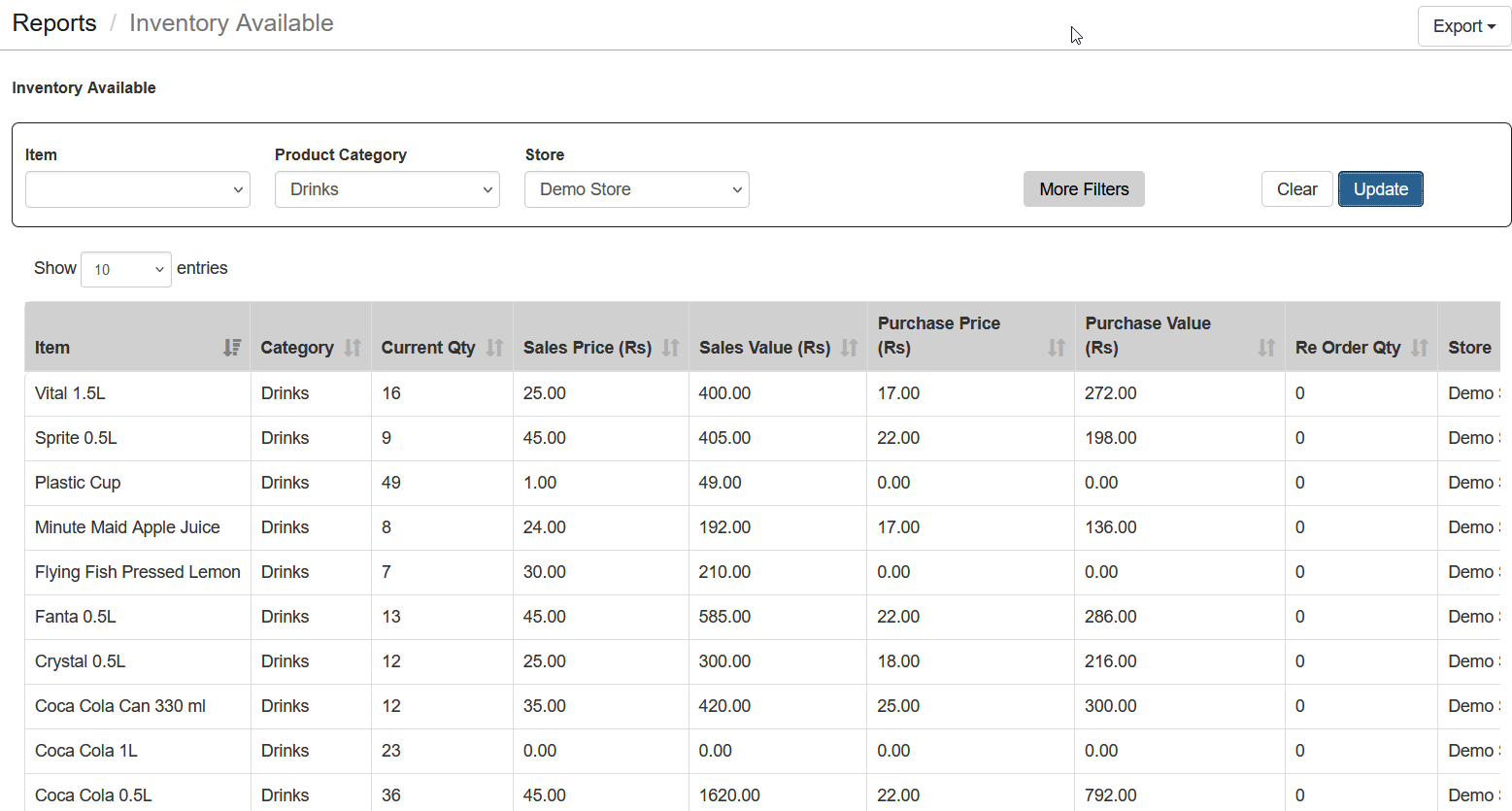
This report displays current stock levels for each product across different stores, helping you identify which items need restocking and manage overstock effectively.
Steps to Use
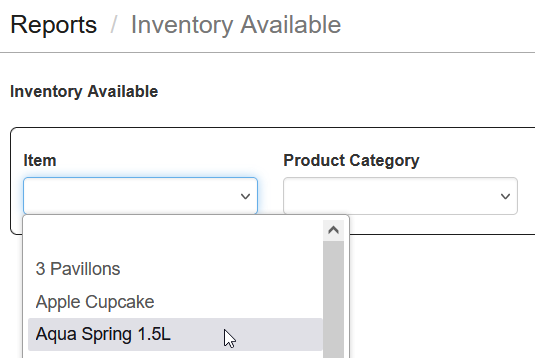
- Select Item or Category: Choose a specific Item or Category, or leave blank to view all items.
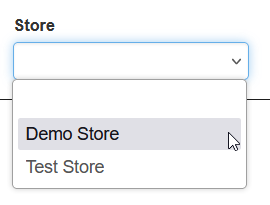
- Select Store: If operating multiple locations, select the desired store.
- Click Update: Activate the report with selected criteria.
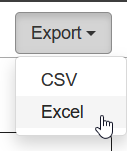
- Download the Report: Export results in Excel format for further analysis.
Tips
- Monitor stock levels regularly using the Inventory Available report.
- Verify counts frequently by comparing physical inventory to the Inventory Counts By Items report.
- Track transfers between locations using the Inventory Transfers and Inventory Transfers By Items reports.
- Note: If your account is Free, the information will be limited to the current day only.