Item Reports
Analyze product performance and gain insights into how well different items are selling. These reports help you optimize your inventory, make data-driven decisions, and understand customer preferences.
Available Item Reports
- Detail Item Sales: Provides detailed information on sales for each item, allowing you to see the individual contribution of each product.
- Items Cost/Margin Analysis: Analyzes the cost and profit margin of items, helping you make informed pricing decisions that maximize profitability.
- Weekly Item Sales: Summarizes item sales on a weekly basis to help you track trends over time and adjust your strategy accordingly.
- Slow Selling Items: Identifies items with low sales, allowing you to take action to improve their performance, such as running promotions or adjusting pricing.
- Best Selling Items: Lists the top-selling products over a given period to help you identify customer favorites and focus your marketing efforts on what works.
- Items Sales By Customer: Shows item sales broken down by customer, giving insights into buying behavior and helping you tailor your product offerings.
Highlighted Report: Best Selling Items
Provides a list of the top-performing products over a selected time-frame, helping you make data-driven purchasing decisions and plan promotions effectively.
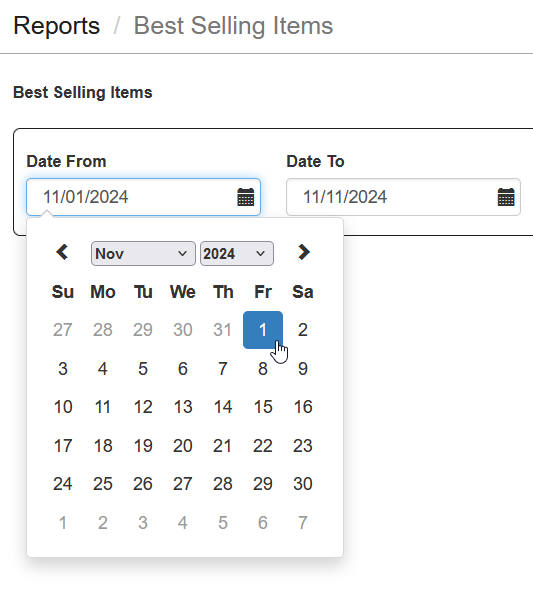
- Select Date Range: Choose Date From and Date To to specify the time-frame for the report.
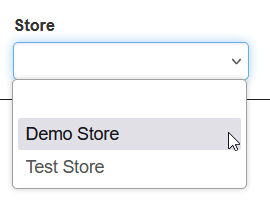
- Select Store: If you have multiple stores, select the specific store you want to view.
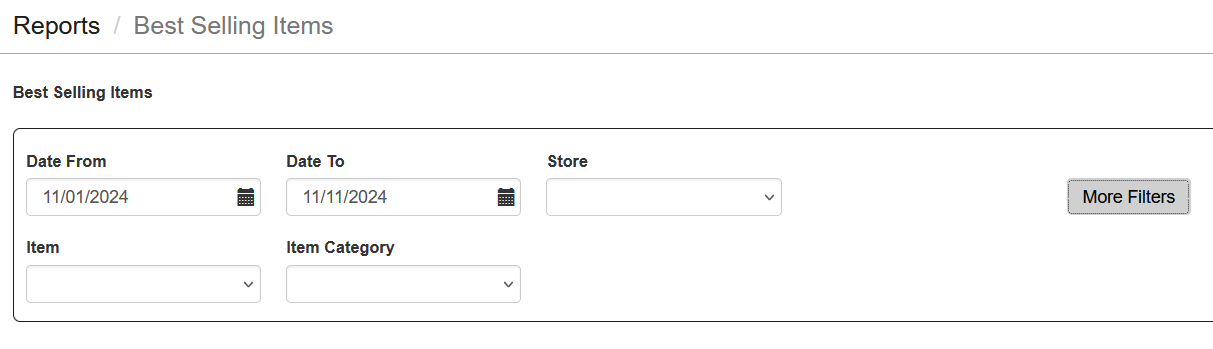
- Use More Filters: Apply Item or Product Category filters to refine the report.
- Click Update: Click the update button to load the report with the selected criteria.
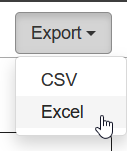
- Download the Report: The report can also be downloaded in Excel format for further analysis.
Important Tips
- Monitor Best Sellers: Use the Best Selling Items report to identify products in high demand and ensure adequate stock levels.
- Address Slow Sellers: Regularly review the Slow Selling Items report to take action on underperforming products through discounts or promotions.
- Understand Customer Preferences: Use the Items Sales By Customer report to understand which products appeal to specific customer segments.
- Account Limitations: If your account is Free, the information will be limited to the current day only.