Transaction Reports
View detailed information about specific transactions, such as sales, refunds, cancellations, open invoices, and terminal closures.
- Sales Receipts: Provides detailed information about each completed sale.
- Refund Receipts: Tracks all refunds processed, including the items refunded and payment methods used.
- Cancelled Sales Receipts: Lists all sales that were cancelled, along with details on who cancelled them and the reasons.
- Open Invoices: Displays invoices that have not yet been paid, helping track outstanding payments.
- Terminal Closure: Summarizes cash and card transactions processed during each shift or day, helping to reconcile terminal activity.
Highlighted Report: Sales Receipts
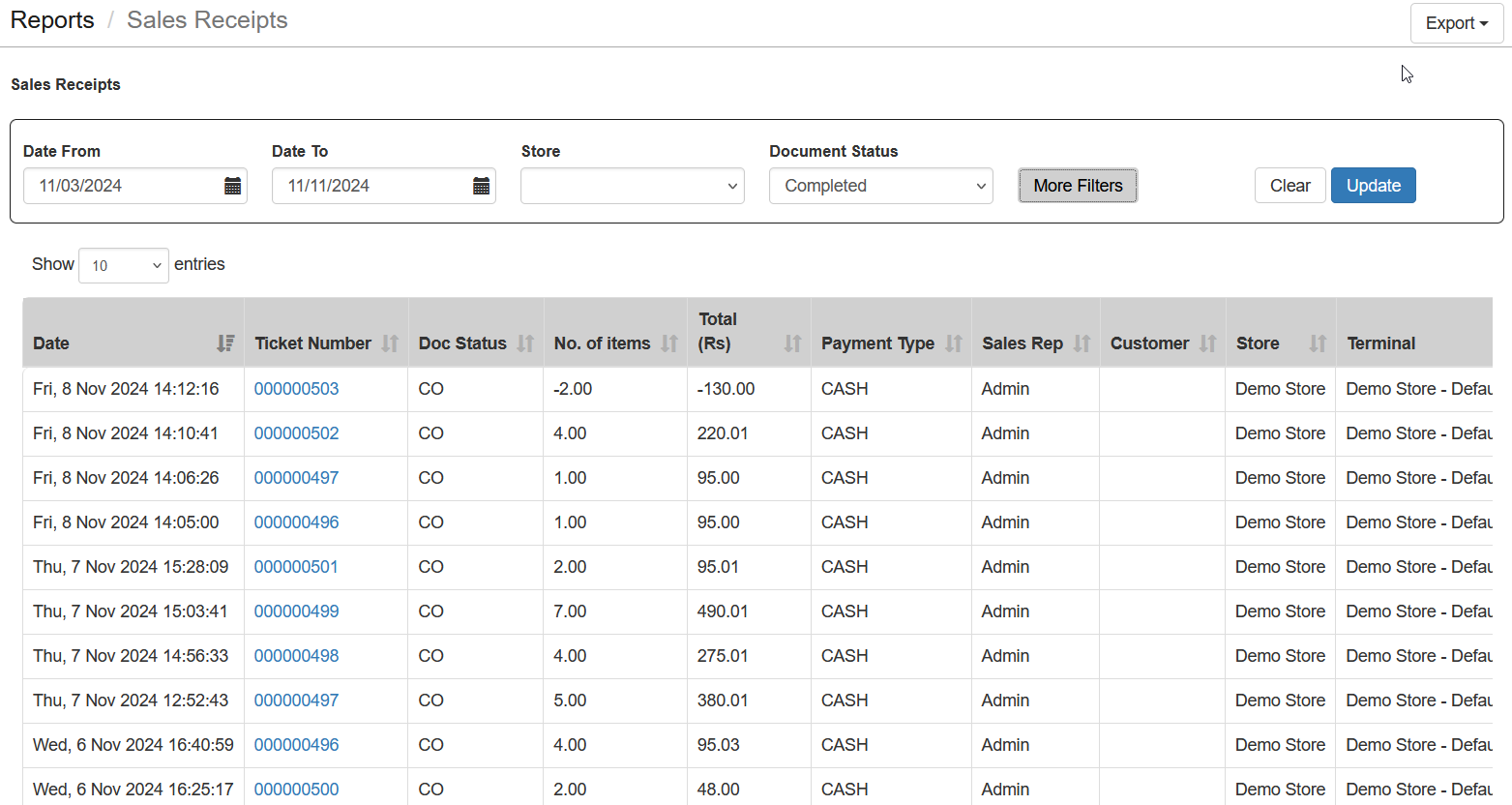
Provides a detailed breakdown of each completed sale, including items sold, payment types used, and customer details, which helps you track transaction history accurately.
Steps to Generate the Report
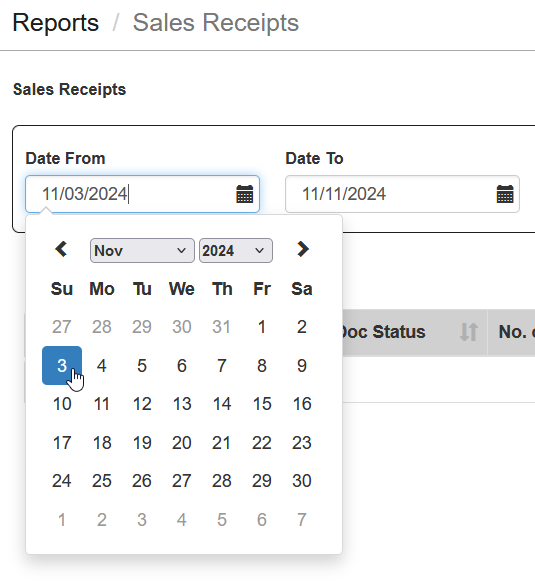
- Select Date Range: Choose Date From and Date To to specify the timeframe for the report.
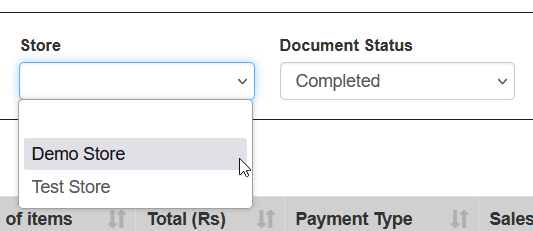
- Select Store: If you have multiple stores, select the specific store you want to view.
- Click Update: Click the update button to load the report with the selected criteria.

- More Filters: Use Additional Filters to further refine the report by criteria like payment type, item category, or specific cashier.

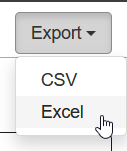
- Download the Report: The report can also be downloaded in Excel format for further analysis.
Important Tips
- Account Limitations: If your account is Free, the information will be limited to the current day only.
- Review Sales Receipts Regularly: Regularly review Sales Receipts to ensure all sales transactions are accurate and any discrepancies are addressed.
- Monitor Refunds: Use Refund Receipts to track returned items and identify frequent issues, such as defective products or incorrect sales.
- Track Cancellations: Regularly check Cancelled Sales Receipts to understand why sales were cancelled and identify potential issues.
- Keep Open Invoices in Check: Use Open Invoices to monitor outstanding payments and follow up promptly with customers.
- Ensure Terminal Closure Accuracy: Verify Terminal Closure reports to reconcile cash and card transactions for each shift.