Sales Reports
Monitor and analyze sales performance across different stores and time periods using a variety of sales reports.
Available Sales Reports
- Sales Tax: Provides an overview of tax collected on sales.
- Sales Totals By Period: Summarizes total sales for a specified time period.
- Sales Totals By Month: Breaks down sales by month to identify trends over time.
- Sales Totals By Day: Shows total sales for each day, helping track daily performance.
- Sales Totals By Item Category: Displays sales totals grouped by product categories.
- Sales Totals By Store: Compares sales across different store locations.
- Payments Type By Day: Details payment methods used daily, helping you understand customer preferences.
Highlighted Report: Sales Totals By Day
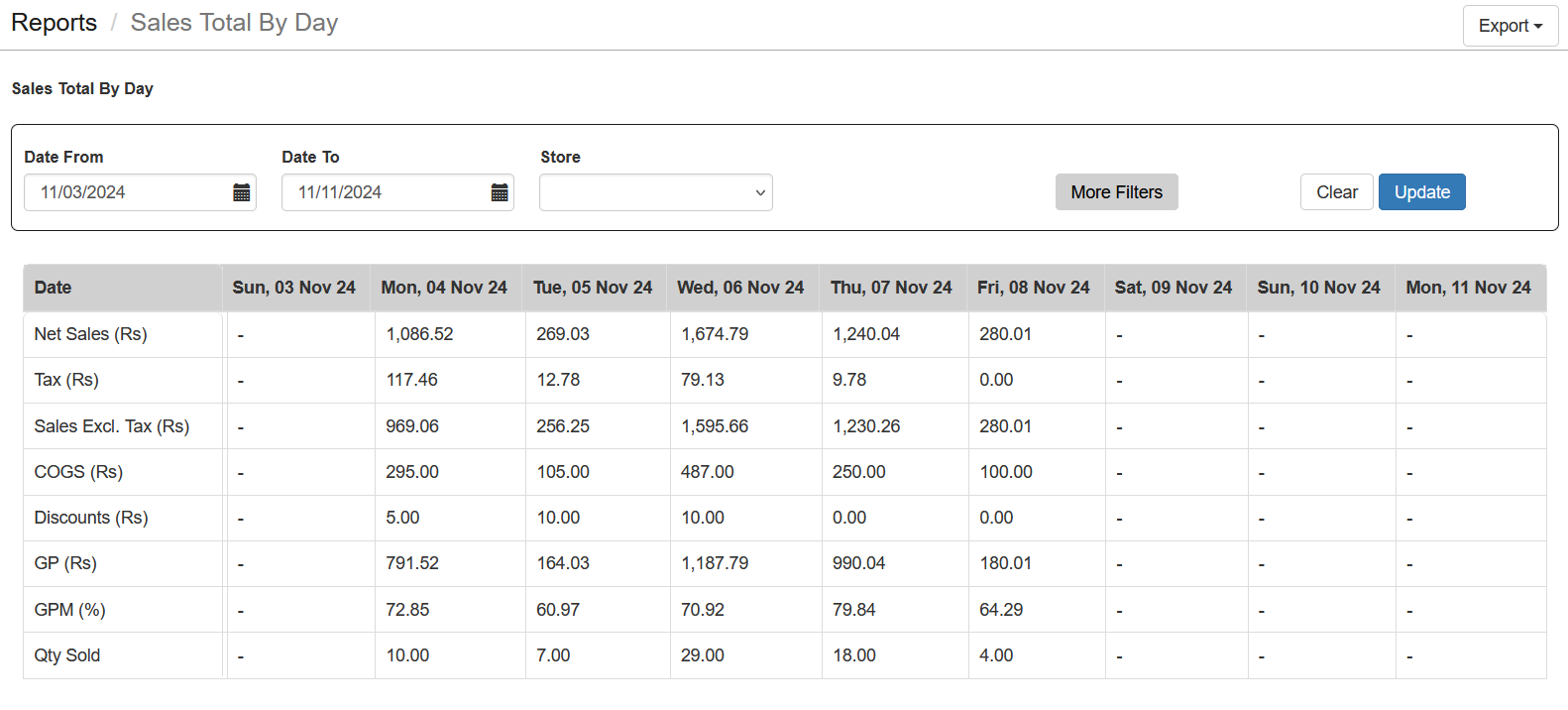
Provides daily sales figures, including total revenue and number of transactions, allowing you to assess daily performance and identify trends.
Steps to Generate the Report
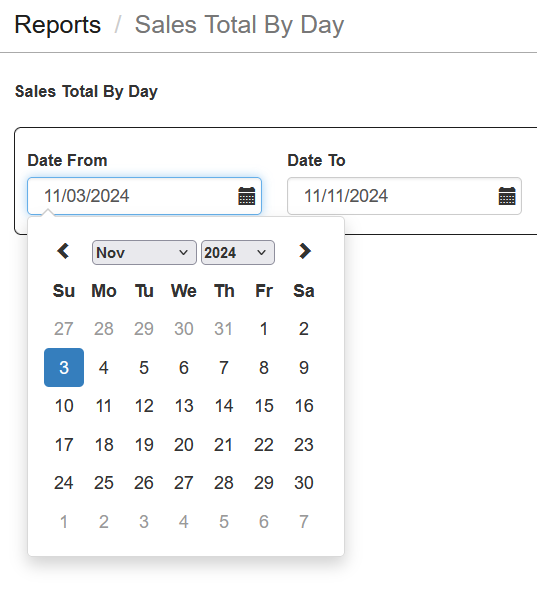
- Select Date Range: Choose "Date From" and "Date To" to specify the time-frame for the report.
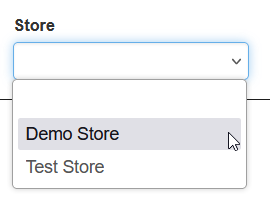
- Select Store: If you have multiple stores, select the specific store you want to view.
- Click Update: Click the Update button to load the report with the selected criteria.
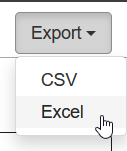
- Download the Report: The report can also be downloaded in Excel format for further analysis.
Important Tips
- Account Limitations: If your account is Free, the information will be limited to the current day only.
- Use Sales Reports Regularly: Regularly review sales reports to identify trends and optimize your sales strategy.
- Focus on Trends: Use reports like Sales Totals By Month to understand seasonal variations in demand.
- Monitor Payment Types: The Payments Type By Day report helps you understand customer preferences, such as cash versus card usage, enabling data-driven decisions.